How to Tune a Vocal or Melody With the Pitch Editor
Fix the notes that are off in a vocal take or melody. Use the pitch editor or Tune Notes in Studio, set the key, and export. Audio up to 3 minutes.
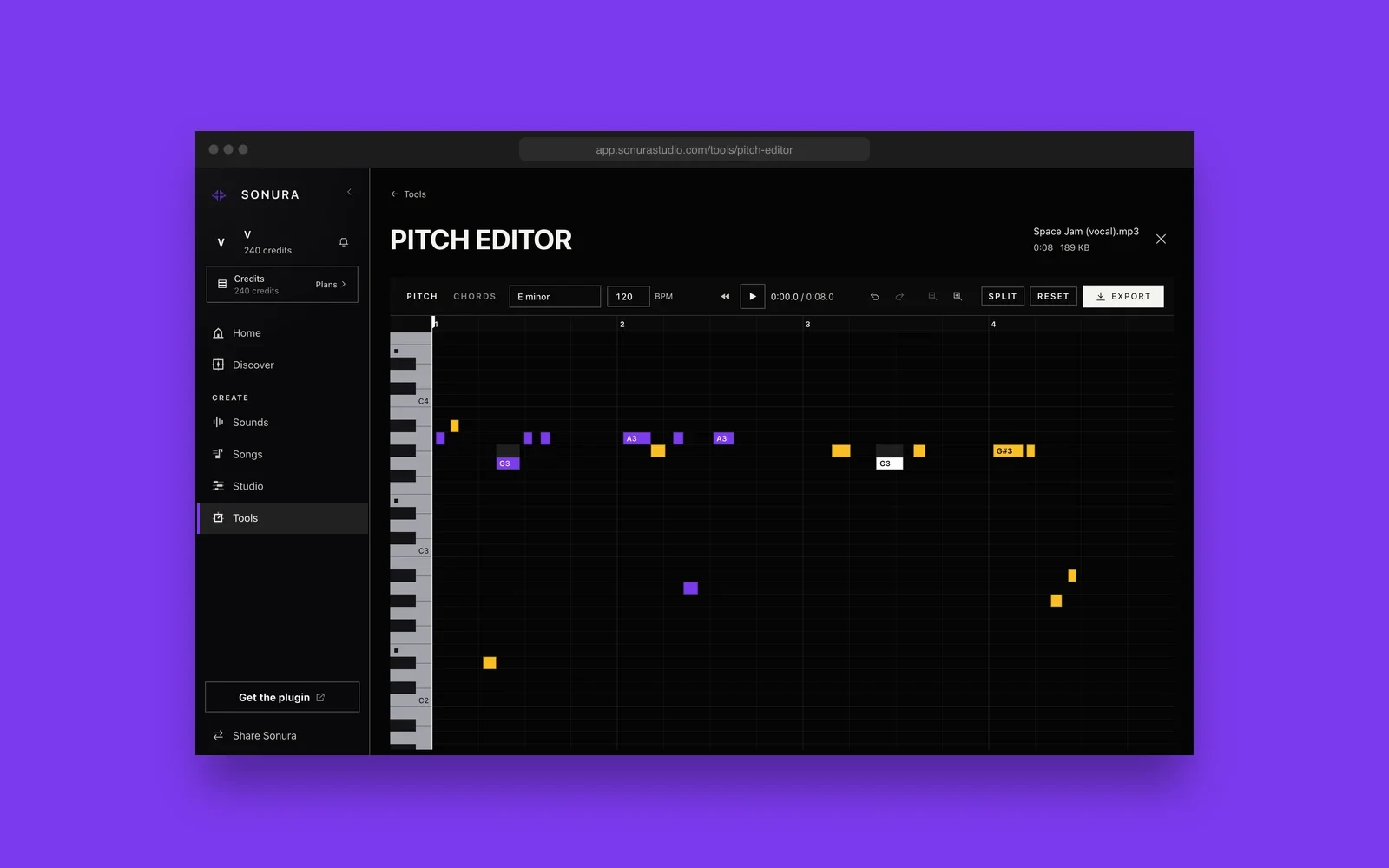
When the take is right but a few notes are not
You have a vocal take you love, and a few notes are throwing it off. Or a melody that is almost there, and one note sits outside the key. Re-recording is the slow fix. Tuning the notes is the quick one.
The pitch editor lets you work on the notes of a vocal or melody directly, so you keep the performance and fix only what is off.
Use the pitch editor
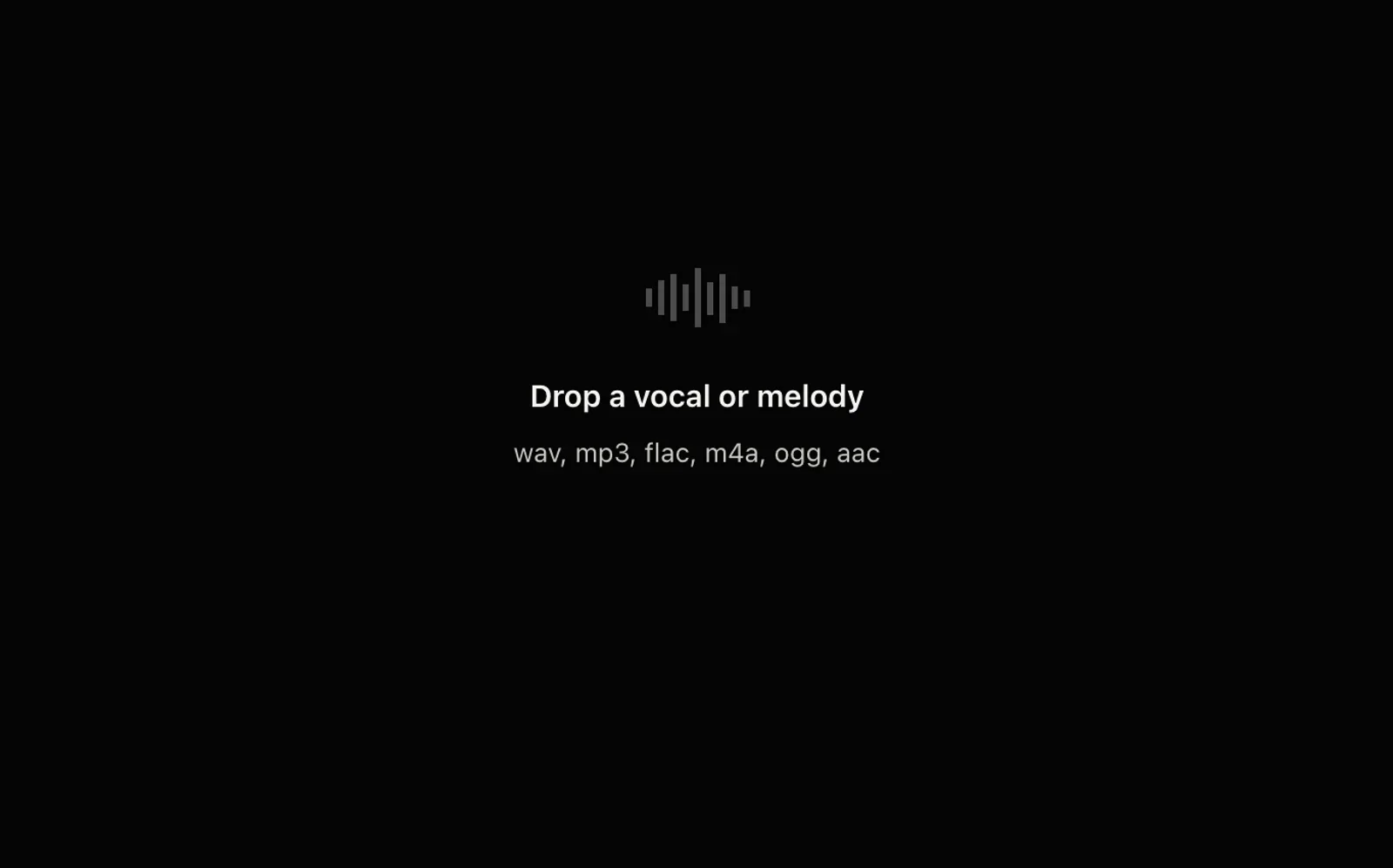
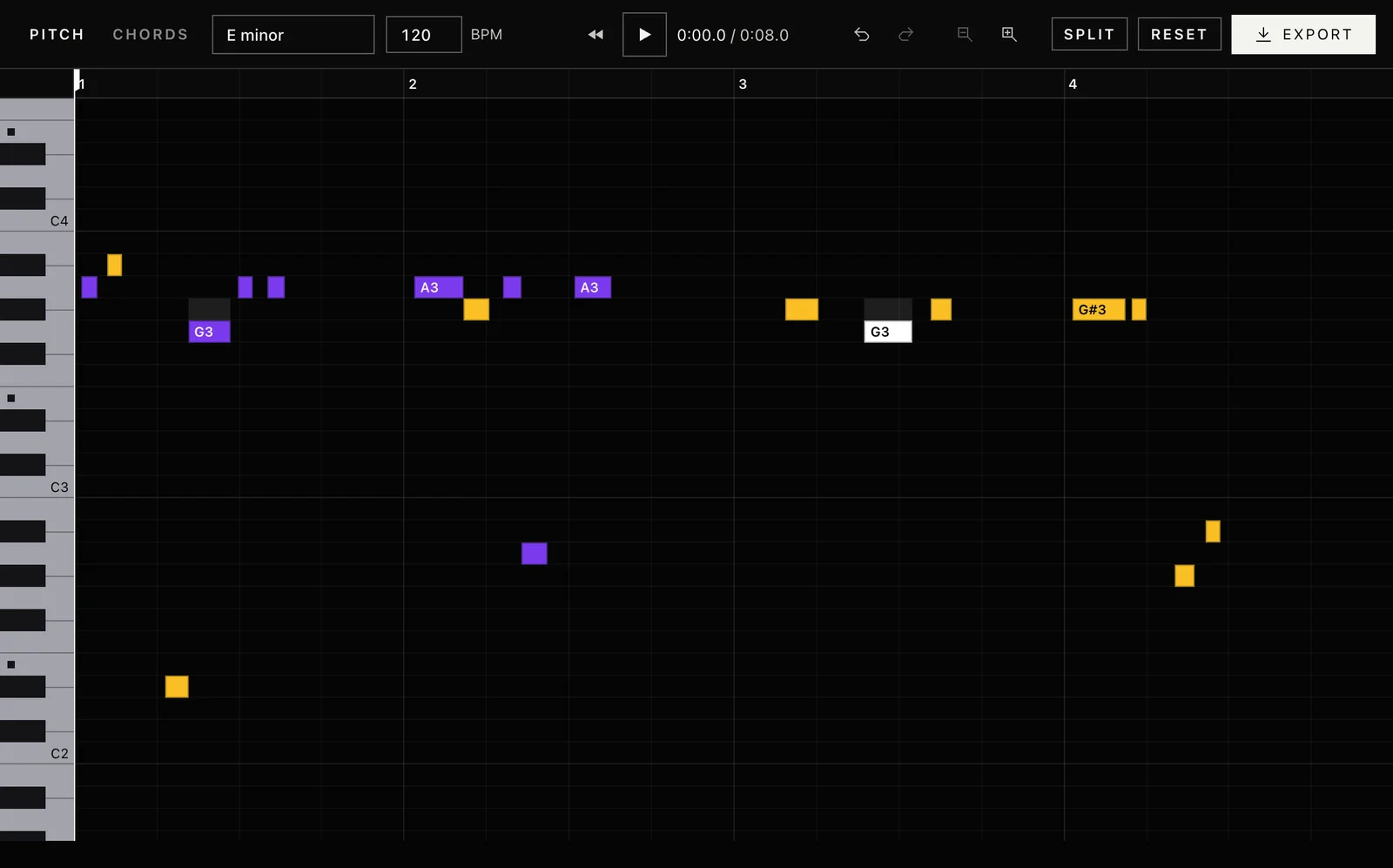
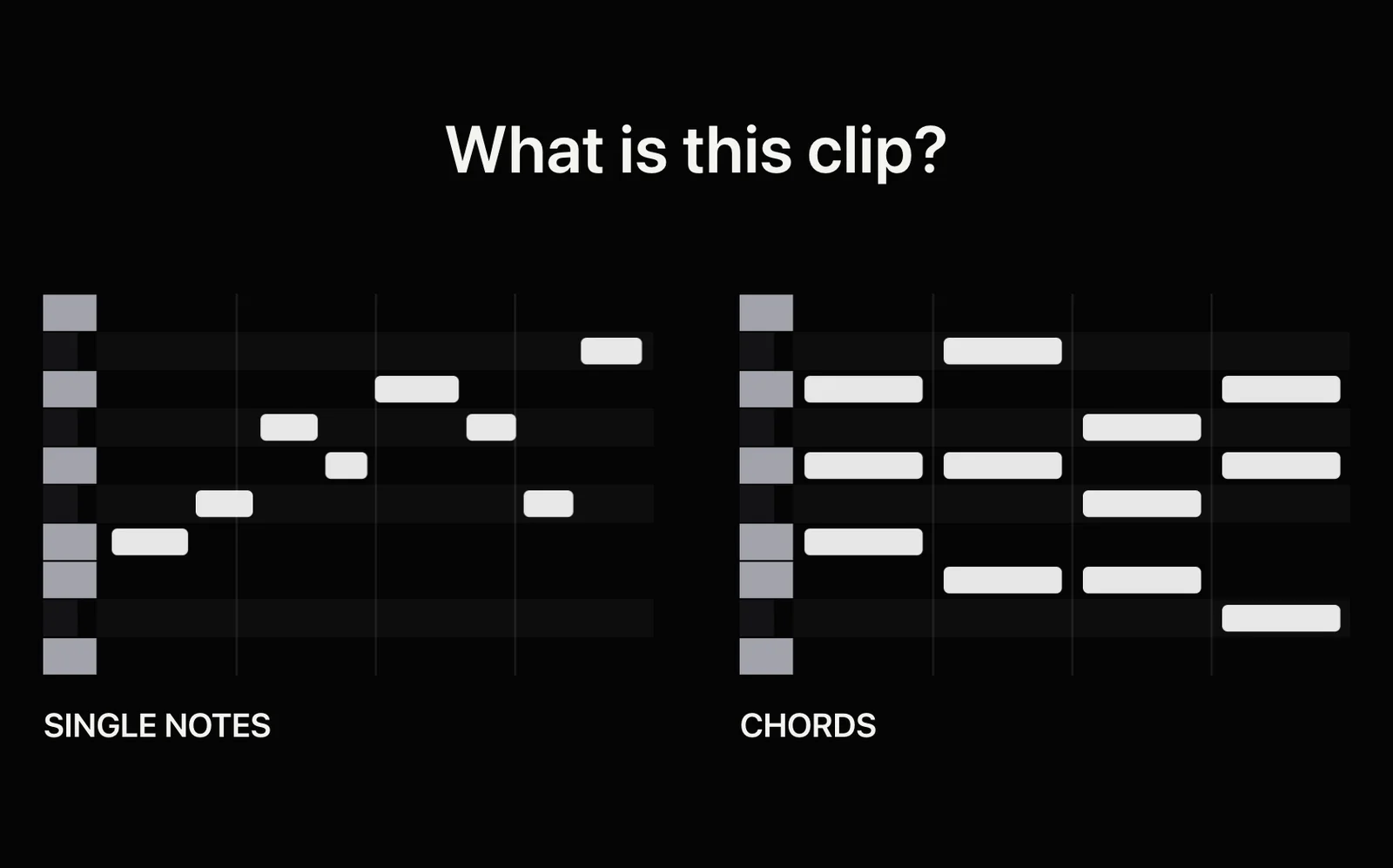
The pitch editor lives under Tools. Drop in a vocal or melody, set the key of your track (and the tempo, if you want notes to line up to a grid), and choose Pitch for single notes or Chords when the clip holds more than one note at a time. From there, drag the notes that are off onto the key. Undo and redo are there if you go too far, Reset puts everything back, and when it sounds right you can export.
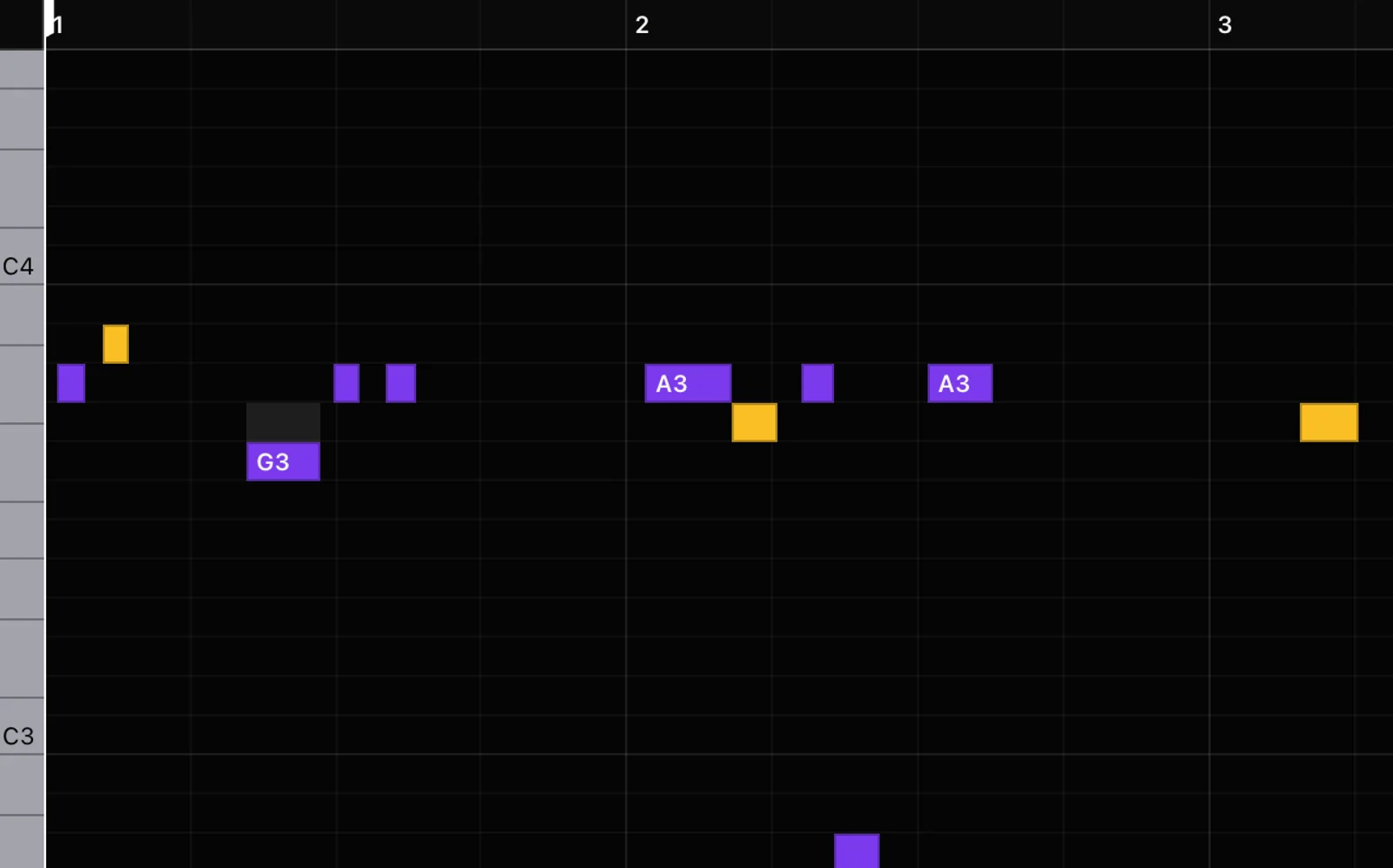
Each block is a note. Drag a note that is off onto the key and its original position stays visible, so you can see what moved.
Use Split to cut a note in two when only half of it needs to move. Exporting needs a free Sonura account.
Tune a clip in Studio
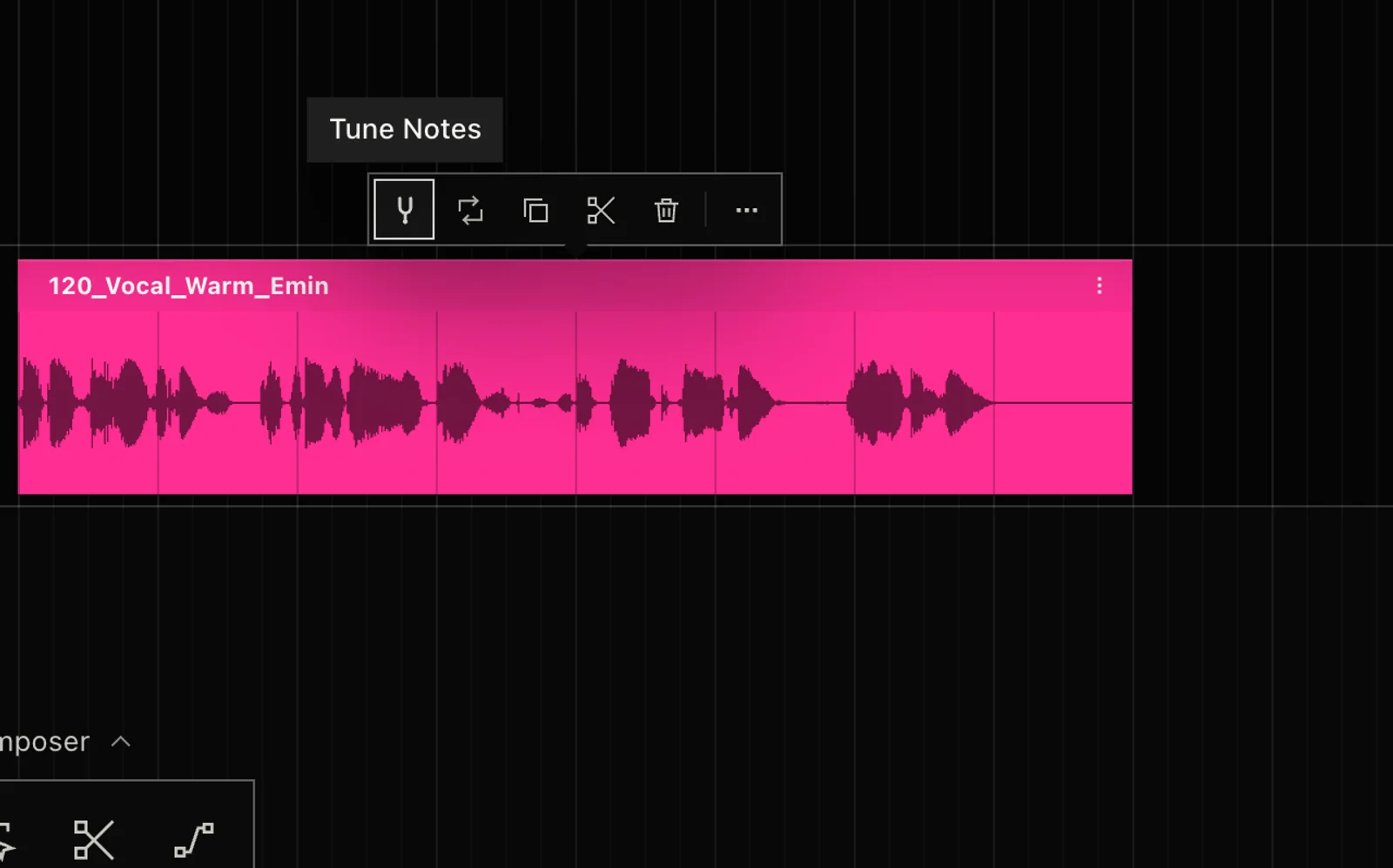
In Sonura Studio, hover the clip and choose Tune Notes. Studio asks whether the clip is single notes or chords, then opens the same editor over your timeline. Press Done and the tuned clip stays in your arrangement.
Pick Single notes for a vocal or lead line, or Chords when the clip holds more than one note at a time.
Shift a whole clip
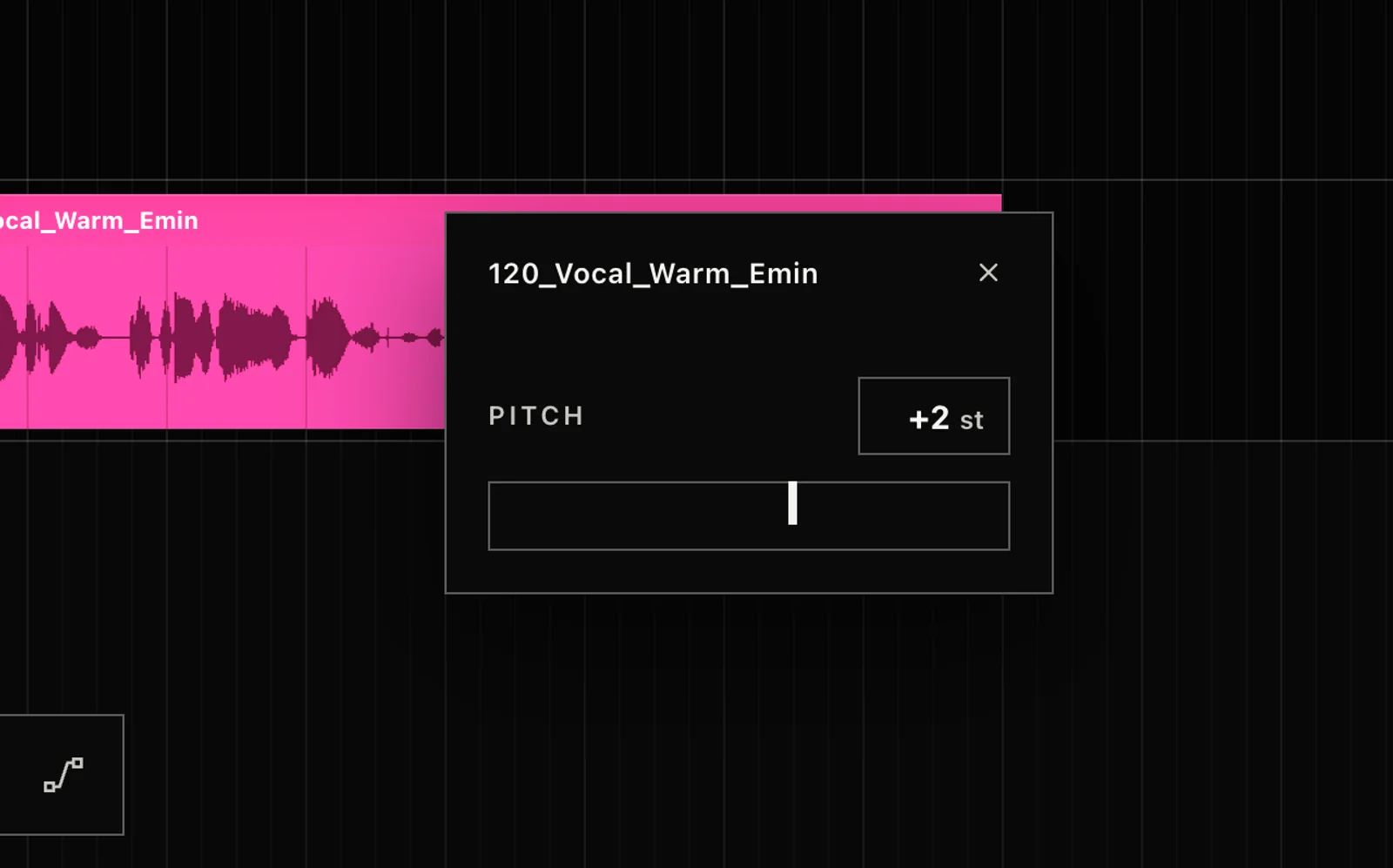
If the entire clip sits a few semitones off your track, you do not need note-level edits. Select the clip in Studio and press P to open pitch control, then set a pitch in semitones. To move the whole song, ask Composer to put it in a new key.
Related: How to make MIDI in Sonura Studio, How to make a song
Frequently asked questions
What is the pitch editor?
It is a tool for tuning the individual notes of a vocal or melody. Drop in a file, set the key, fix the notes that are off, and export the result.
Can I tune a vocal in Sonura Studio?
Yes. Hover a clip on the timeline and choose Tune Notes.
How long can my audio be?
Up to 3 minutes. Longer files are refused with a "Too long to edit" notice that shows the length and the limit.
Does it work on chords?
Yes. The editor has a Chords mode alongside Pitch. In Studio, it asks whether the clip is single notes or chords when you open it.
How do I move a whole clip up or down in pitch?
In Sonura Studio, select the clip and press P to open pitch control. To change the key of the entire song instead, ask Composer.