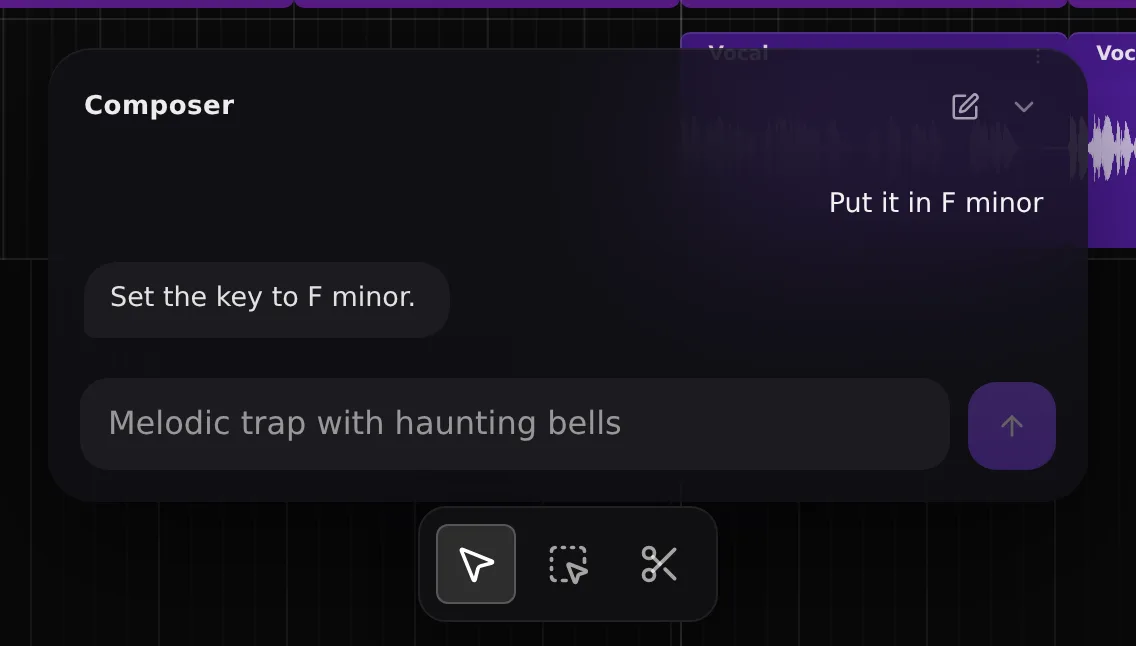
Set the key.
Type the key and every new part follows it. One line instead of retuning each part by hand.
Composer In every session
Start with a prompt. Ask for a new key, a melody or the next section. Move from idea to track faster.
In session
Composer reads what is already on the timeline, so each request lands in context. Nothing to export, and undo if you change your mind.
Capabilities
Type the key and every new part follows it. One line instead of retuning each part by hand.
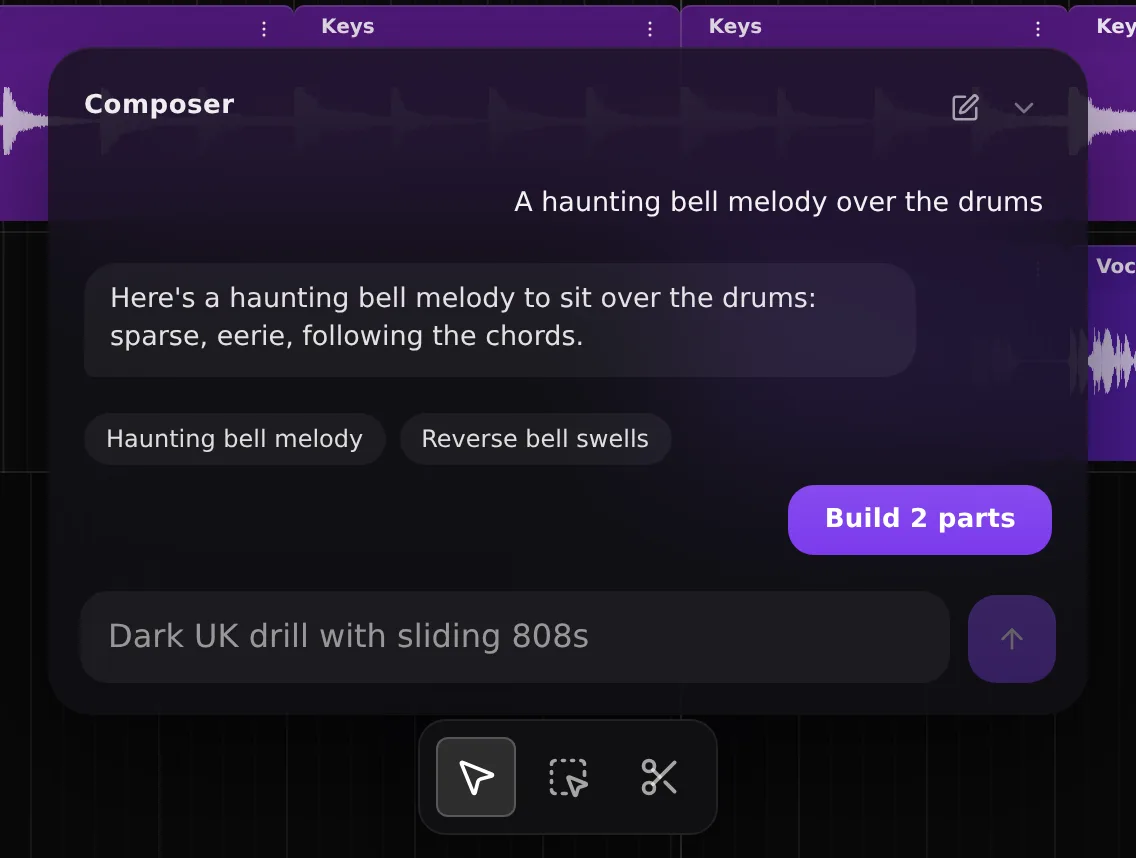
Say what is missing and Composer writes it in, styled to what is already playing. Redo it in one line if it is not the one.
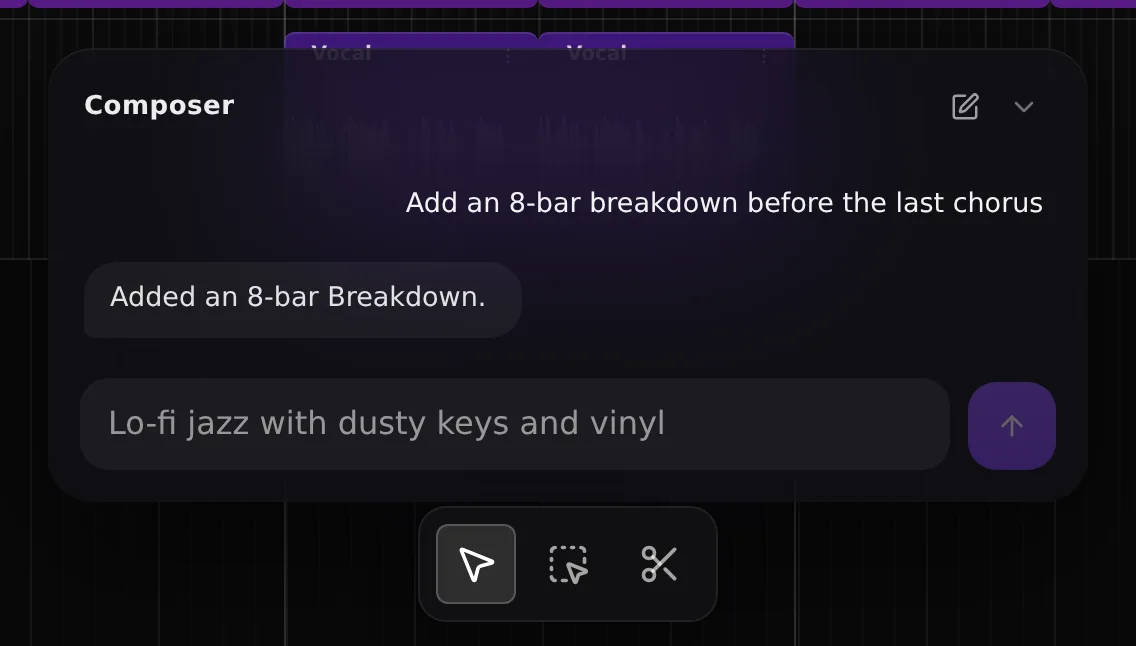
Add a breakdown before the last chorus and everything after it shifts to make room. No dragging clips around.
How it works
No theory required. Describe the change, keep listening, and open the timeline whenever you want to take over.
Start empty and ask for a full track, or open something you are already working on.
Name a part, a section or a bar range and the edit stays inside it. If the ask is unclear, Composer asks first.
Composer reports what changed. Say "undo" and the previous state comes back exactly.
Who it is for
No DAW to learn. Describe what you want, hear it, ask for the next change. The timeline is there when you want it.
Fast variations without rebuilding by hand. A different drop, a longer intro, a key that sits with the next track. Then pull the stems into your DAW with stem export.
Next steps
FAQ
An AI co-producer is AI for music production that works inside your session rather than handing you a finished file. Composer reads the tracks, sections, key and tempo in your Sonura project and makes the change you ask for: setting the key, writing a part, inserting a section or adjusting the mix. It speeds up the process. The decisions about what the track should be stay with you.
Yes. Ask for a key and Composer sets it for the project, so every part written after that follows it. To move a part you already have, name it and the interval: "drop the vocal a third" or "octave up the bass". You can limit that to a bar range, such as the second half of the drop.
No. Composer works in the Sonura browser studio, which has its own timeline, sections and mixer, so it behaves like an AI DAW without the setup. If you already produce in a DAW, export the stems with stem export, or create sounds inside your session with the Sonura Flow plugin.
Yes. Everything you create can be used in commercial releases, sync, streaming and client work with no royalties or attribution. On the free plan creations are public domain (CC0). On any paid plan they are exclusively yours.
Talking to Composer is free on every plan, including the free plan, and you need a Sonura account. Chat, planning and structural edits do not use credits. Parts that Composer generates, such as a new melody or replacement drums, use the same creation credits as anything else you make in Sonura. See pricing for what each plan includes.
Key and tempo. New parts in any category: drums, bass, melody, pads, vocals or effects. A regenerated version of a part, whole or for a bar range. Sections: add, lengthen, shorten or delete. Mix moves: level, mute, solo, reverb, EQ, sidechain. Stem tools: split a lane into stems, or isolate one sound in a take. Playback, the loop region, track names, undo and redo. It does not move a section to a new position yet.
Free to start. Free-plan creations are CC0, and every paid plan makes them exclusively yours.